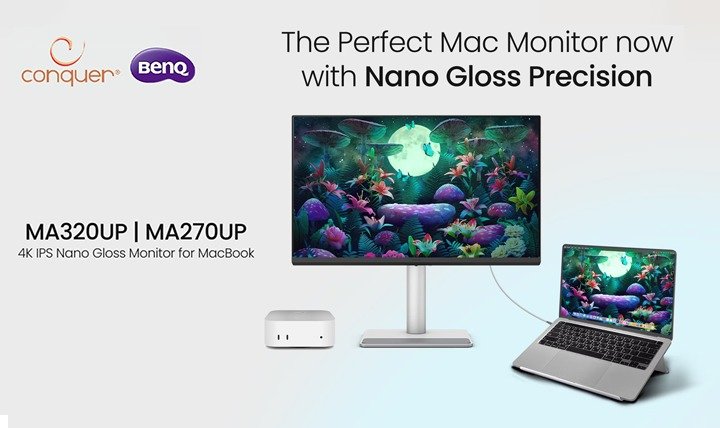
Connecting a MacBook to an external monitor often changes how everything looks. Choosing a monitor for a team of Mac users means weighing screen size, colour, desk space, and cabling. The BenQ MA270UP and MA320UP are 4K UHD monitors built around those needs. They share most of their features, and the main difference is size.
Where Mac Teams Lose Time and Consistency
Mac teams run into the same obstacles when they work with external displays.
Teams that review visual work together need a consistent colour reference. The MA series includes an M-book colour mode for MacBook users.
A laptop-sized screen also forces constant window switching. Spreadsheets, presentations, creative tools, browser tabs, and video calls compete for space, and frequent switching slows the work down.
Desks also get messy when power and display run on separate cables. Shared and hybrid workspaces benefit from a simpler connection, and a single monitor model across the team makes workstations easier to set up and support.
One Cable, Two Sizes, Consistent Colour
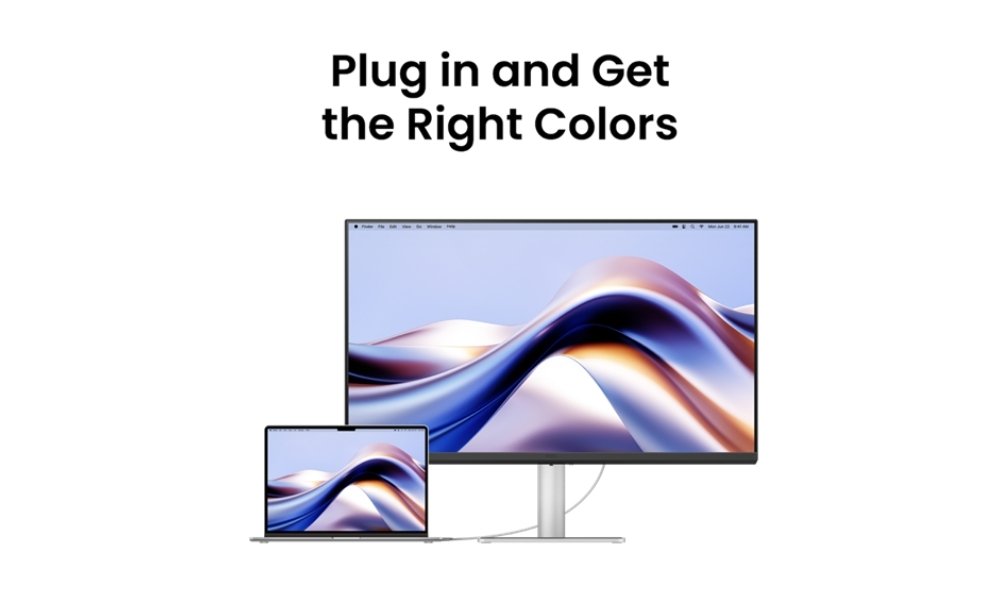
Both models address these problems with the same core features: 4K resolution (3840 × 2160), a Nano Gloss panel with an M-book colour mode, and USB-C connectivity. A single USB-C cable carries video, data, and up to 90 W of power to a compatible MacBook. Each model also has a second USB-C port rated for 15 W device charging.
The two models differ in size and in their colour and brightness figures. The MA270UP is a 27-inch display with 95% P3 coverage, 450 nits typical brightness, and VESA DisplayHDR 400 certification. The MA320UP is a 31.5-inch display with 97% P3 coverage, 550 nits typical brightness, 600 nits peak HDR brightness, and VESA DisplayHDR 600 certification. Both are 4K UHD IPS panels with a 60 Hz refresh rate and 99% sRGB coverage.
Colour-critical work still needs the team's calibration and colour-management process. The monitors give a good starting point, but they don't replace that process.
Built for Mac Workflows
The MA series is aimed at Mac workflows, combining 4K detail, a MacBook-oriented colour mode, and single-cable USB-C in two sizes. A business can equip a compact desk and a multitasking workstation from the same range, so procurement and IT manage one product family.
Why Buy Through Conquer Technologies
Choosing a monitor for a team involves more than comparing spec sheets. Conquer Technologies can help with the practical decisions, including:
- Matching the screen size to available desk space and working style.
- Planning quantities and workstation requirements for offices and hybrid teams.
- Checking how the monitor fits alongside existing laptops, desks, and peripherals.
For current pricing, availability, and purchase terms, contact Conquer Technologies directly.
Choosing the Right Size for a Team
Both stands tilt, swivel, pivot to portrait, and adjust in height, so they can suit different desks. The MA270UP and MA320UP give Mac teams sharp 4K displays, consistent colour, and a simpler desk setup. Pick the size that suits the space and the work, then confirm the setup with the team's own laptops and cables before buying in bulk.
Frequently Asked Questions
What is the main difference between the MA270UP and the MA320UP?
Screen size and colour coverage. The MA270UP is a 27-inch display with 95% P3 coverage. The MA320UP is a 31.5-inch display with 97% P3 coverage and higher peak HDR brightness.
Can one USB-C cable connect and charge a MacBook?
Both models support USB-C power delivery up to 90 W, so a compatible MacBook can receive power and video through a single cable. Results depend on the laptop and cable, so test with the devices the team uses.
What is the Nano Gloss panel?
Nano Gloss is the glossy coating on the screen. BenQ describes it as giving a high-quality glass-like look and supporting deep blacks. Glossy screens usually look sharp and vivid, but they reflect more light, so the desk should be positioned away from windows and strong overhead lights.
How do the 27-inch and 31.5-inch models compare?
Both models have 4K resolution (3840 × 2160), but the larger screen spreads the same number of pixels over a bigger area. The MA270UP has a pixel density of 163 PPI, while the MA320UP has 140 PPI. The 27-inch model suits compact desks, and the 31.5-inch model gives more room for working across several windows at once.